GitHub Collaborative Setup
Set up a collaborative environment in GDSFactory+ for your team using GitHub organizations.
What you need
You and your team members will need a GitHub account. If you don't have one, you can create a free account.
Only one person in the team needs to follow the instructions below. The rest only need a GitHub account and can be added to the organization after it has been created.
Create a GitHub organization
-
In GitHub, find the
+button in the top bar and clickNew organization.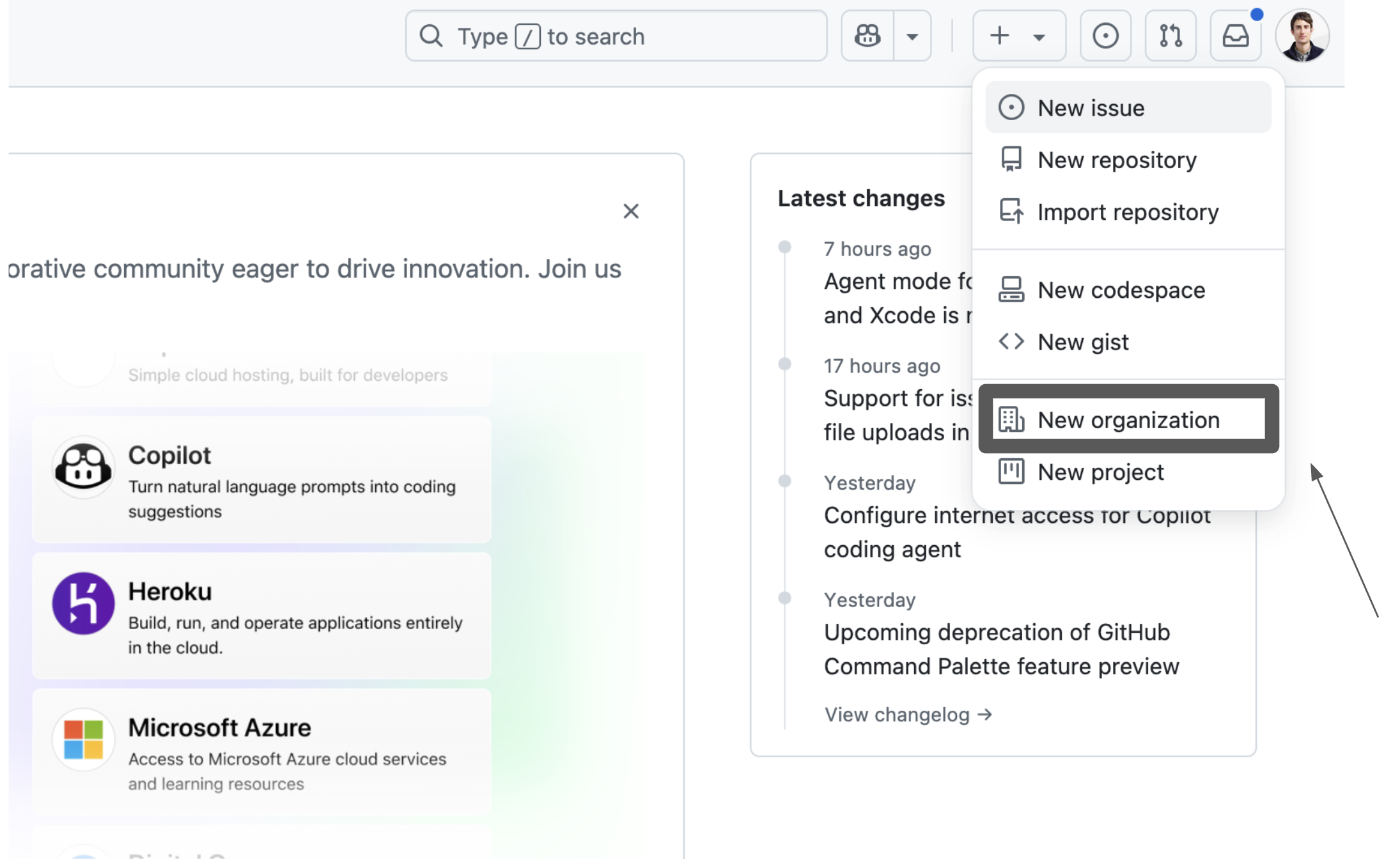
-
Choose the
Free plan.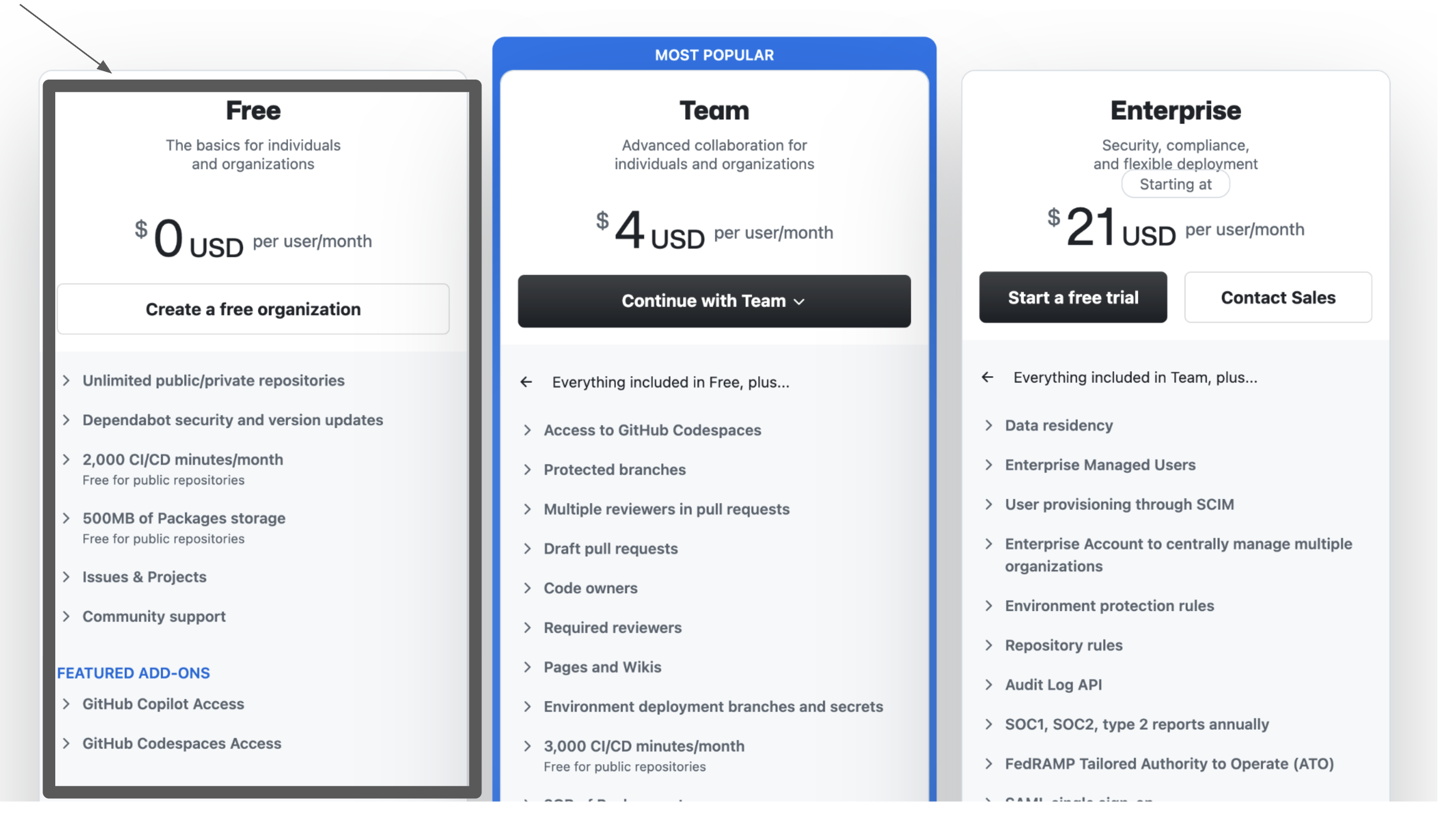
Configure your organization
-
Choose a name and contact email for the organization, select personal, accept the terms of service and click
Next.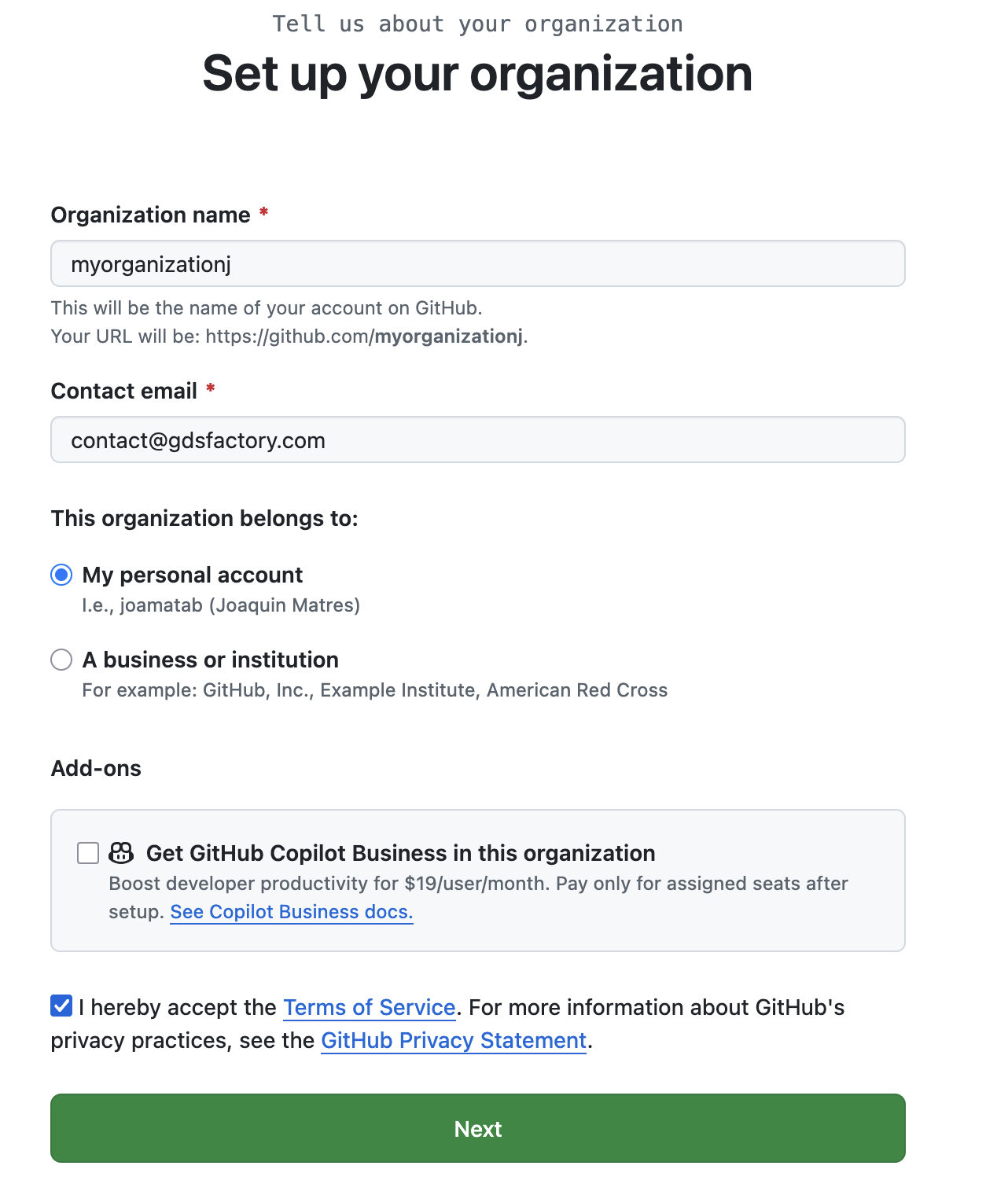
-
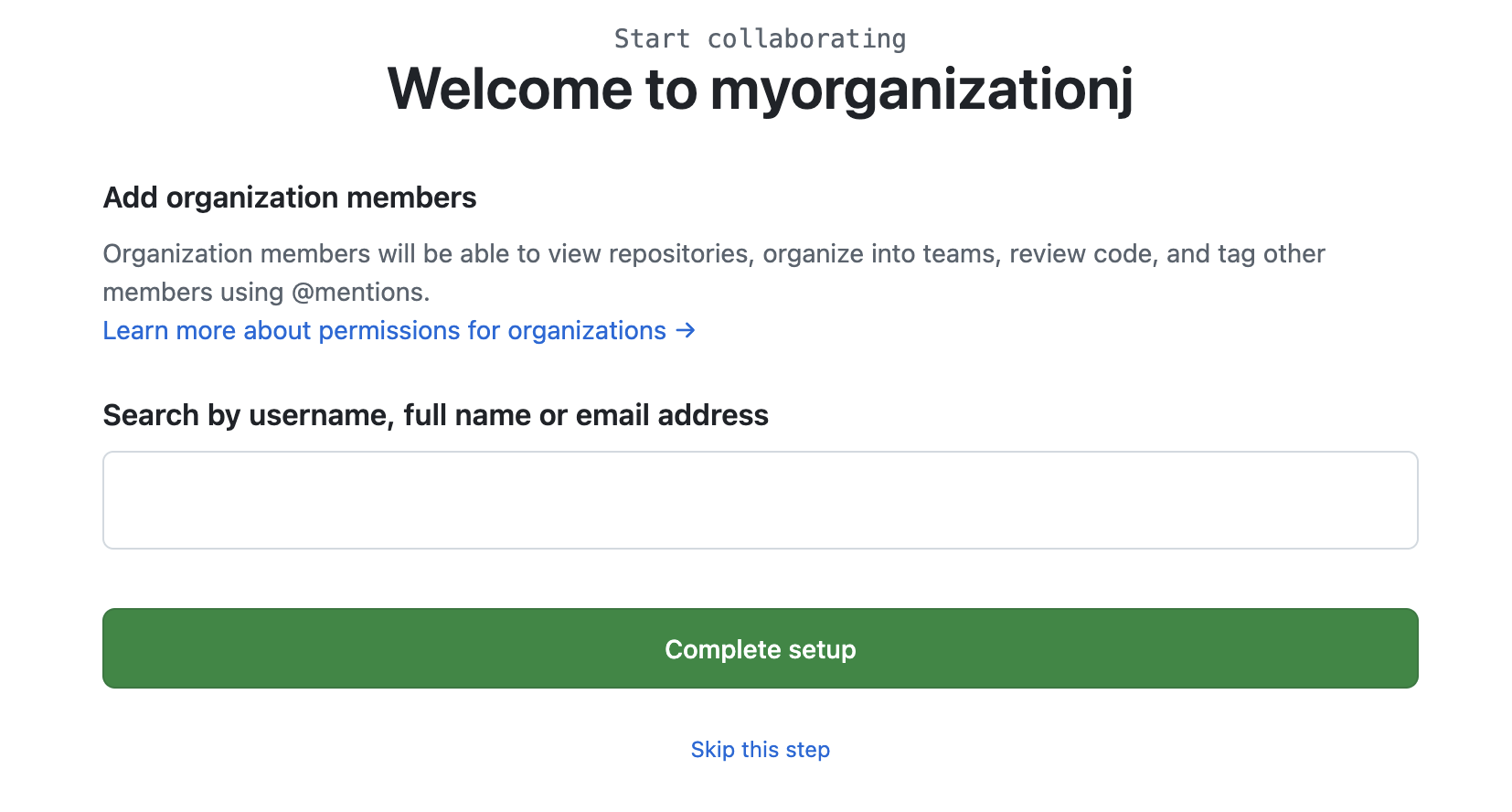
Add your team members using their full name, GitHub username, or email address.
Create a repository
-
From the organization's home page, click
Repositoriesin the top bar.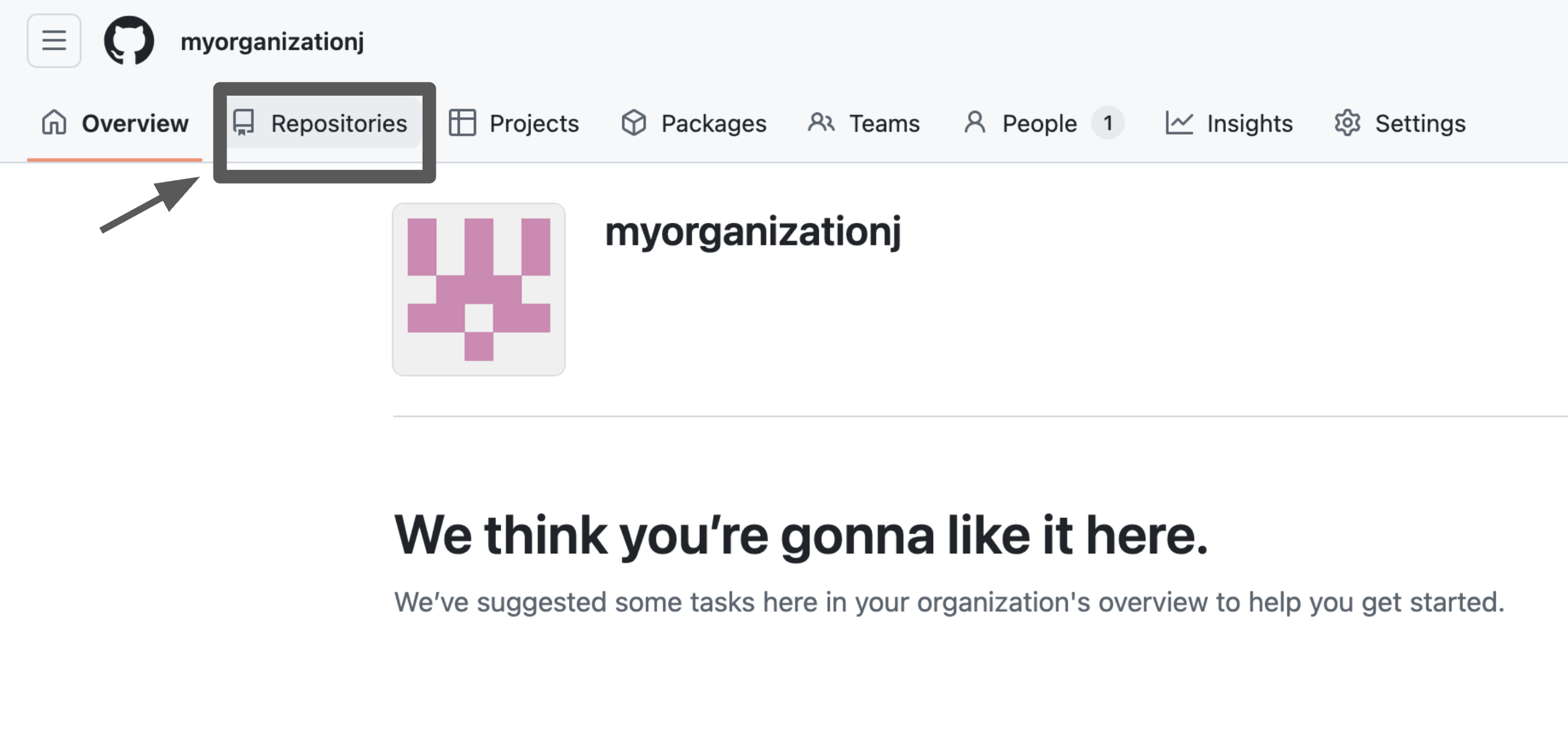
-
Click
Create Repository.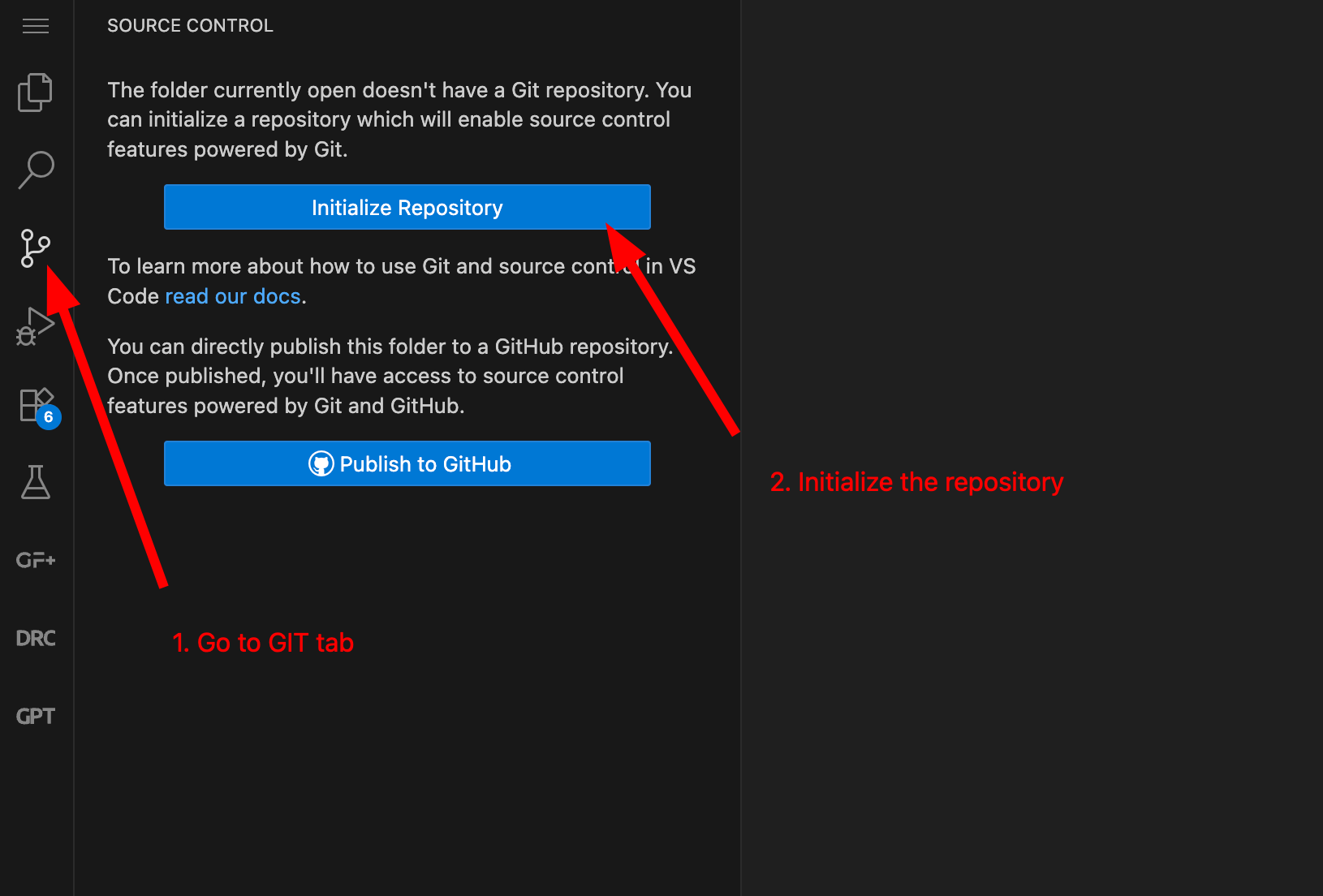
Configure git locally
If you haven't connected your GitHub account, you can configure your git user in the terminal:
See also: Video Tutorials — Git Version Control