Running MEEP Simulations
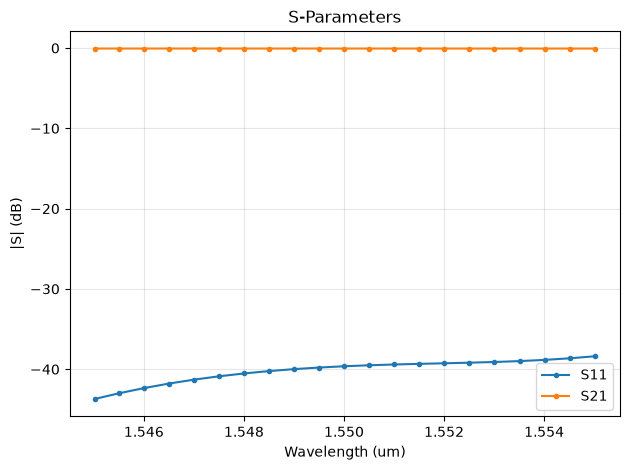
MEEP is an open-source FDTD electromagnetic simulator. This notebook demonstrates using the gsim.meep API to run an S-parameter simulation on an S-bend.
Requirements:
- GDSFactory+ account for cloud simulation
Load a pcell from the active PDK
import gdsfactory as gf

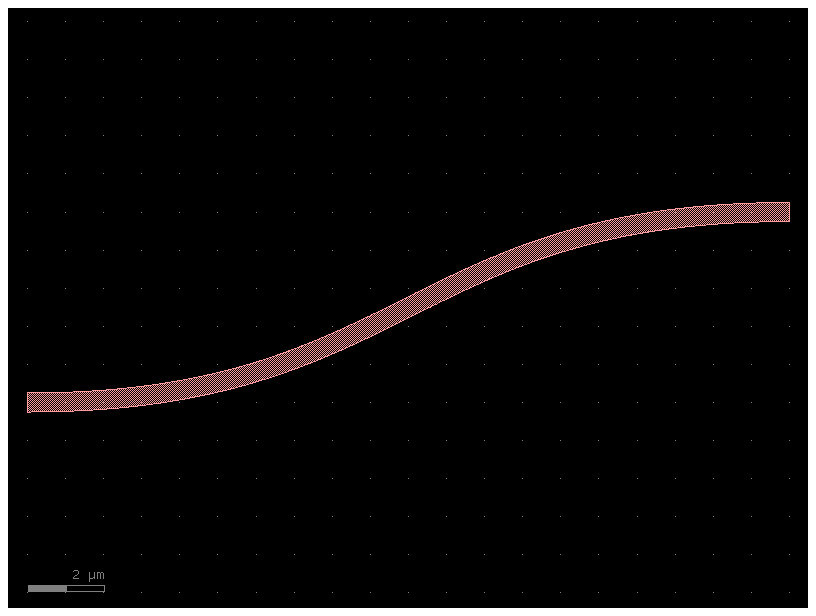
c = gf.get_component("bend_s", size=(20.0, 5.0))
c = c.copy()
c.auto_rename_ports()

c
Configure and run simulation
from gsim import meep
from gsim.meep.models.api import Material

sim = meep.Simulation()

sim.geometry(component=c)
sim.materials = {
    "si": Material(refractive_index=3.47),
    "SiO2": Material(refractive_index=1.44),
}
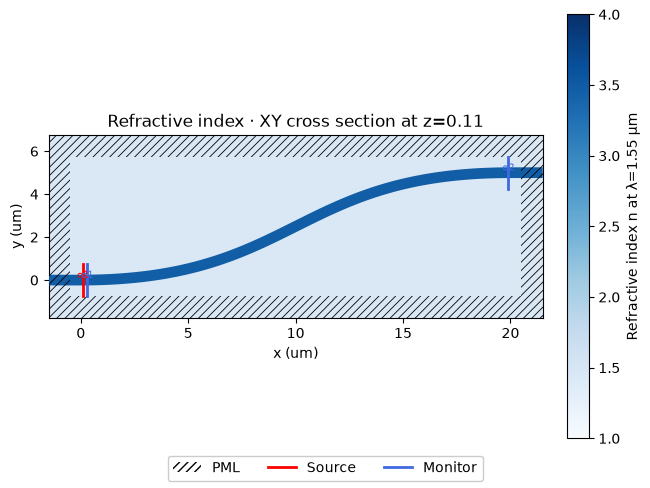
sim.source(port="o1", wavelength=1.55, wavelength_span=0.01)
sim.num_freqs = 21
sim.monitors = ["o1", "o2"]
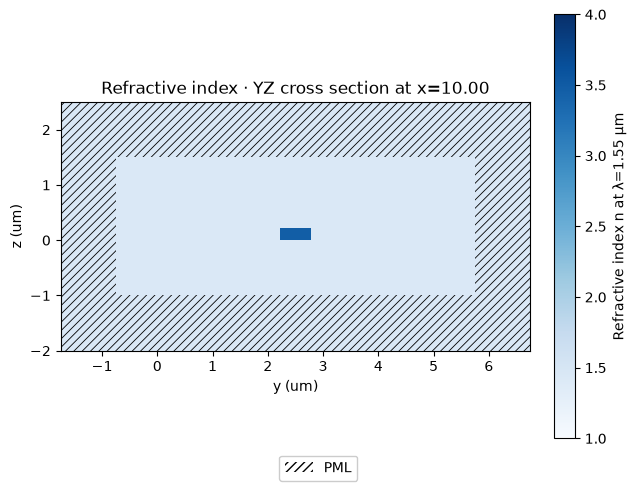
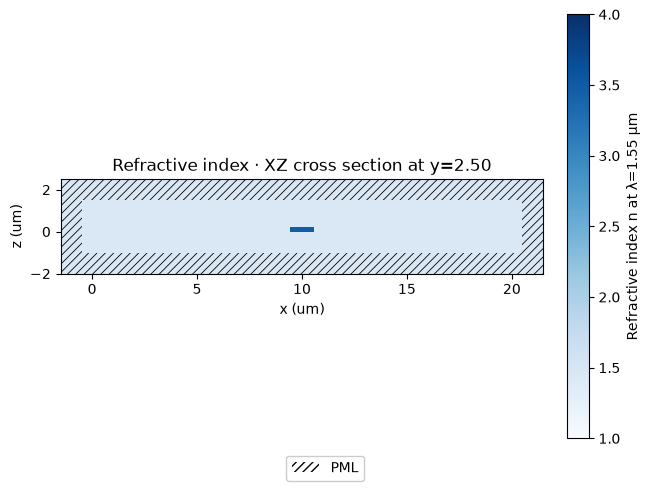
sim.domain(pml=1.0, margin_x=0.5, margin_y=0.5, z_bounds=(-1.0, 1.5))
sim.solver(resolution=20, verbose_interval=5.0)
sim.solver.stop_when_energy_decayed()

print(sim.validate_config())
Stack validation: PASSED
Warnings:
  - No stack configured. Will use active PDK with defaults.
  - Stopping: energy_decay (dt=20.0, decay_by=0.01, cap=2000.0)
Run simulation on cloud
  meep-08bbabc3  completed  0m 00s


Extracting results.tar.gz...
Downloaded 6 files to /home/runner/work/simulation-templates/simulation-templates/docs/notebooks/sim-data-meep-08bbabc3